The UGC platform built for output
Turn one script into a creator-style video in about 60 seconds. No shoot to book, no ring light, no reshoot when the brief changes.
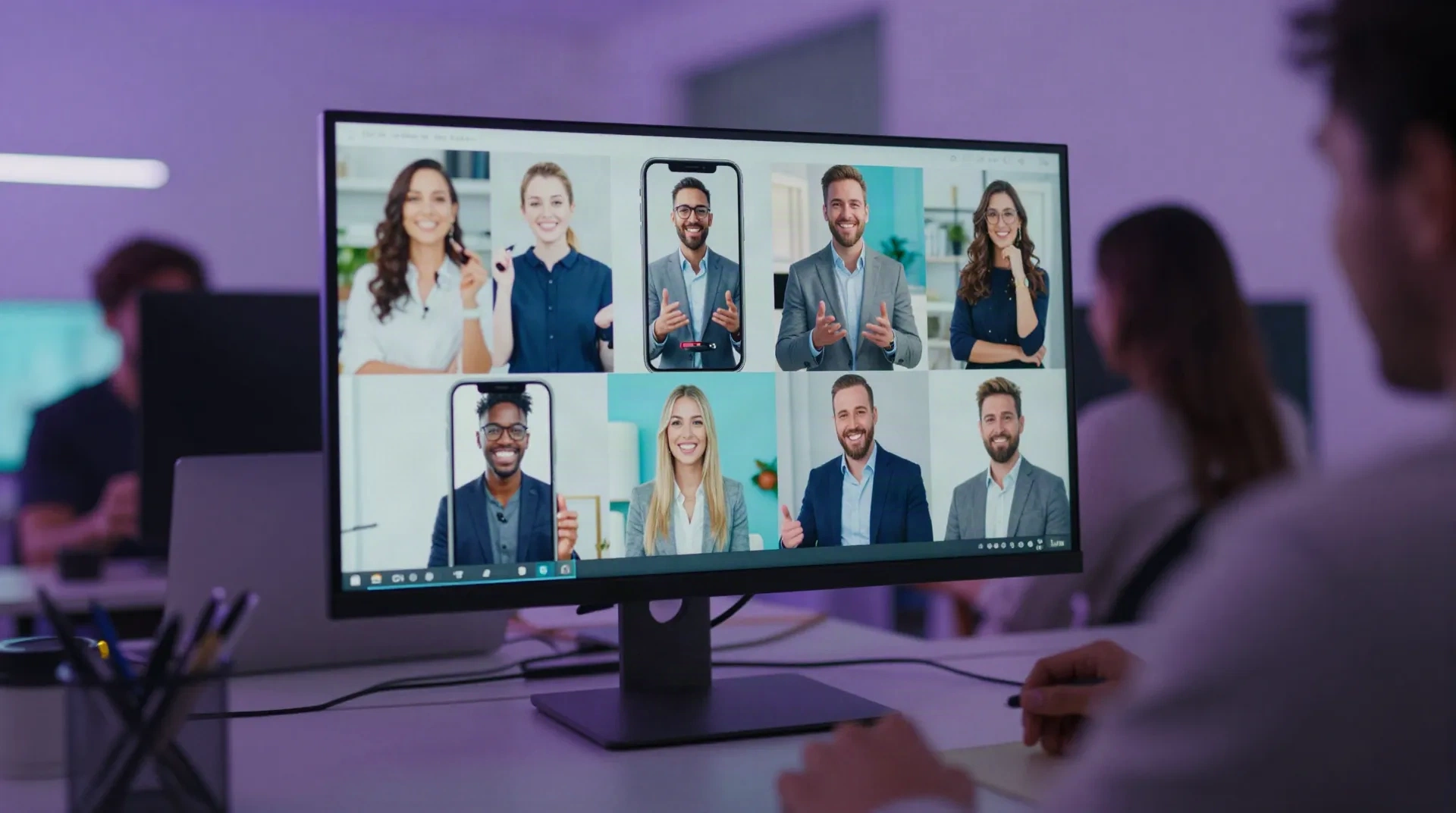
Production leverage, not a talent directory
A UGC platform should shorten the path from idea to published clip. These are the levers that do it.
Script to clip in 60 seconds
Paste the script, pick the avatar, render. The first cut lands while the brief is still open in another tab.
Your face or a stock avatar
Build an avatar from one selfie for brand consistency, or rotate stock faces to test which presenter converts for each audience.
40 languages from one script
Re-render the same avatar in 40 languages with matched lip movement. One brief becomes a multilingual campaign without a dubbing studio.
Variants without reshoots
Change the hook, the offer or the call to action and render again. Test six openings on the same afternoon instead of the same month.
Vertical-first formats
Clips are framed for the feed: 9:16 crops, talking-head pacing and short sentences that hold attention in the first three seconds.
Cost you can forecast
Pricing follows the clip, not the shoot day. No usage rights negotiation per creator, no rush fees, no surprise revisions invoice.
What changes in the workflow
From brief to published in four steps
The script is there. The avatar does the rest.
-
1
Write the script
Start with a blunt first line, one product claim and one clear action. Short sentences read better on camera and render with cleaner pacing.
-
2
Choose the presenter
Pick a stock avatar for speed, or build one from your own selfie so every clip carries a consistent face across the campaign.
-
3
Render and review
The model produces the clip in about a minute. Review lip-sync, pauses and framing, then adjust the script rather than the footage.
-
4
Localize and publish
Re-render in the languages you sell in, export vertical cuts and ship to the feed. Refresh the hook when the creative starts to tire.
Replace the shoot day, keep the creator voice
The slow part of UGC is rarely the idea. It is the gap between a brief landing on Monday and a camera coming out on Thursday. Polymorf closes that gap. A solo creator juggling several brand deals can turn each brief into a rendered clip the same afternoon, then spend the saved hours on strategy, scripting and the genuine on-camera work that no avatar should fake.
- Brand briefs turned into clips the same day
- Solo creators serving more clients without more shoots
- Hook tests before committing ad spend
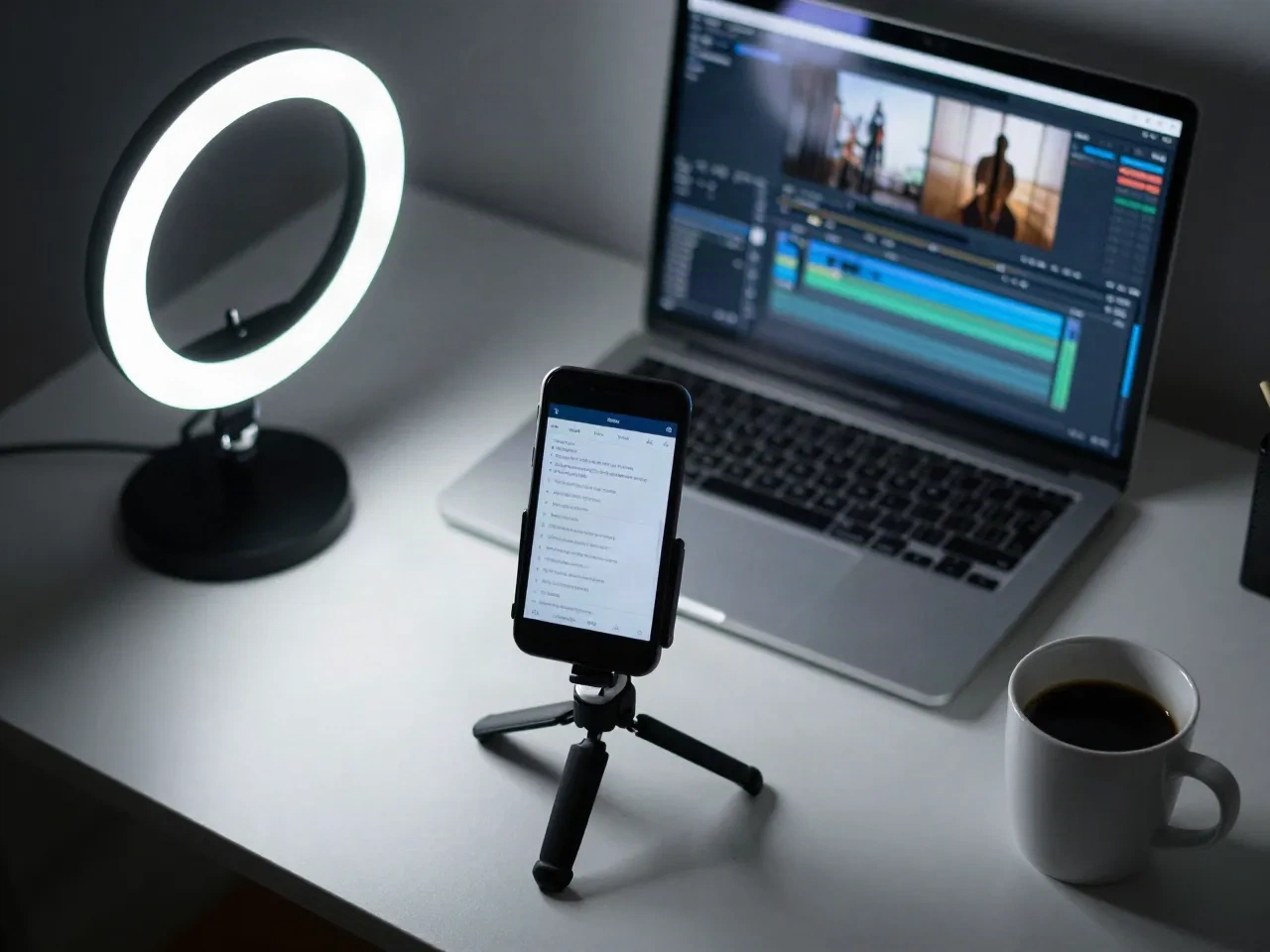
Test more creative, find winners faster
Performance marketers know the pattern: one angle works, then fatigues. The fix is volume. Render the same offer with different openings, different presenters and different languages, then let the numbers pick. When a variant wins, produce ten siblings of it in an hour. This is where a production stack beats a marketplace: iteration cost drops close to zero, so you can afford to be wrong often and cheaply.
- Six hooks across three presenters in one sitting
- Localized variants for each market you sell in
- Fast refreshes when an ad starts to tire

Marketplace, agency or production stack
Three ways to get UGC-style video, compared on what operators actually track.
| Criteria | UGC marketplace | Agency | Polymorf |
|---|---|---|---|
| Time to first clip | Days after creator accepts | Weeks with briefing rounds | About 60 seconds |
| Cost model | Per creator deliverable | Retainer or project fee | Per clip rendered |
| Revisions | Negotiated per round | Billed or capped | Re-render with a new script |
| Languages | Depends on the creator | Extra vendors | 40 from one script |
| Real product use on camera | Yes | Yes | No, scripted avatar |
| Best for | Authentic reviews and unboxings | Brand campaigns | Volume tests and localization |
Questions before you start
What is a UGC platform, and how is this one different?
Will AI UGC videos pass as authentic creator content?
Can I use my own face instead of a stock avatar?
How many languages can one script be rendered in?
How fast is a first clip?
Is it a replacement for human UGC creators?
What do I need to get started?
Do I need to disclose that a video is AI-generated?
Ship your next UGC video today
Bring a script. Render the first clip in about a minute, then judge the output on your own brief. Start free.