Everything you need to make avatar videos that look real
One selfie in, finished video out. Avatars, voices, and styles that people actually believe.
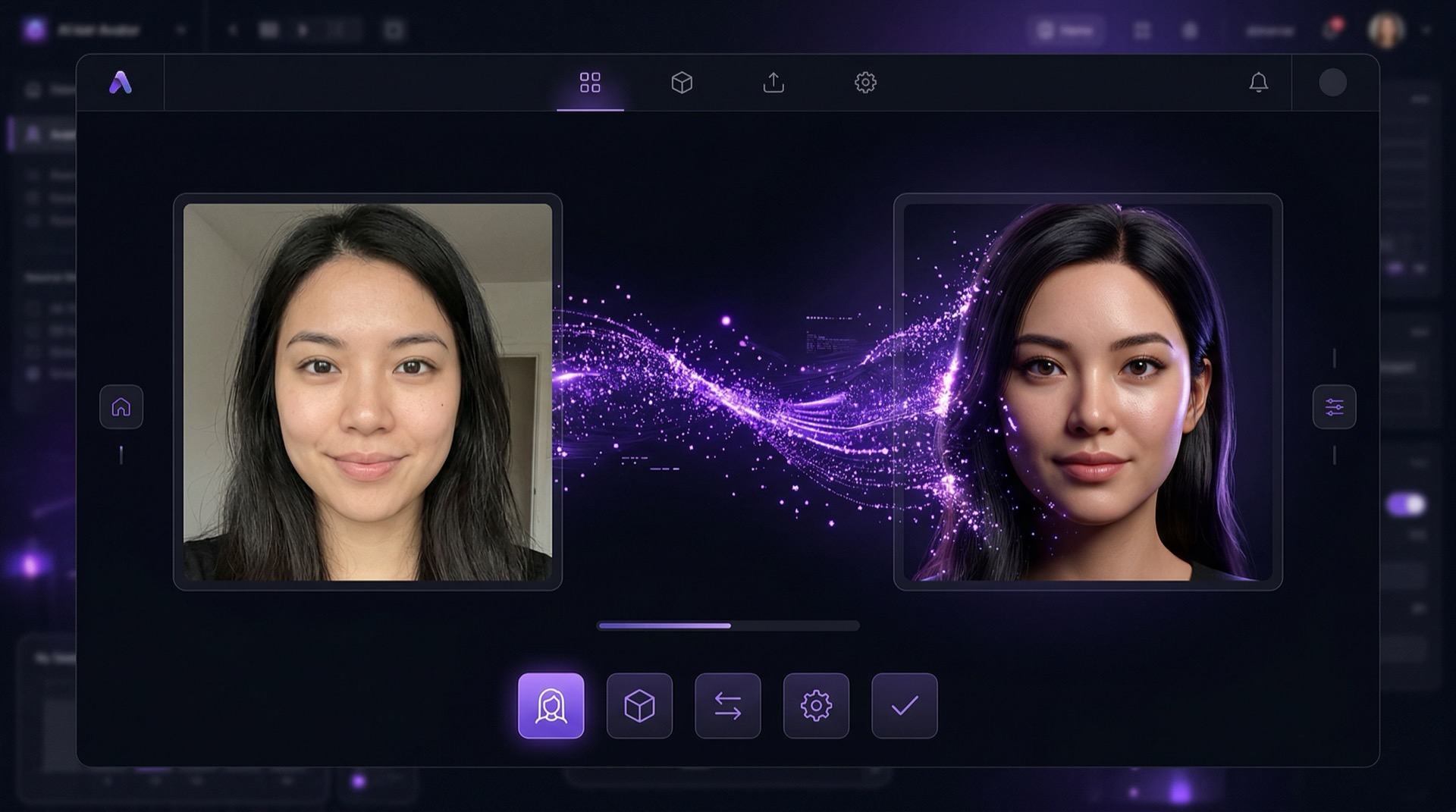
Instant avatar studio
Upload one selfie. Ten seconds later, you have a photorealistic digital twin with a full range of expressions, natural micro-movements, and realistic breathing. No training data, no waiting around. It works with any face and any angle.
- Single selfie input
- Full expression range
- Micro-movements and breathing
- Any face, any angle
Neural voice engine
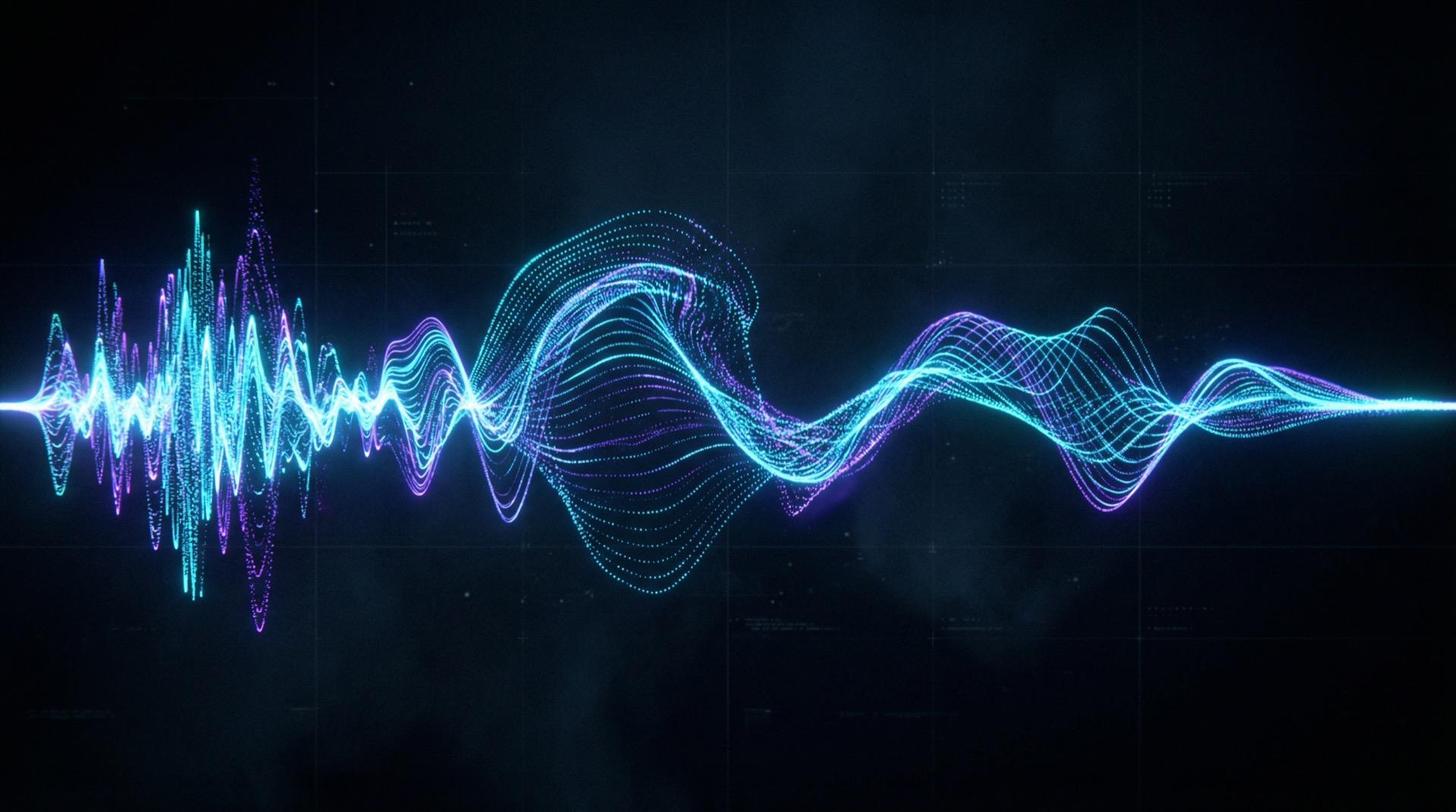
Pick from 300+ voices across 40 languages, or clone your own from a 30-second recording. The fidelity is close to indistinguishable. There is an emotion slider that goes from calm explainer to excited pitch, and native accents carry over when you switch languages.
- 300+ voices, 40 languages
- 30-second voice cloning
- Emotion slider control
- Native accent preservation
Script-to-video pipeline
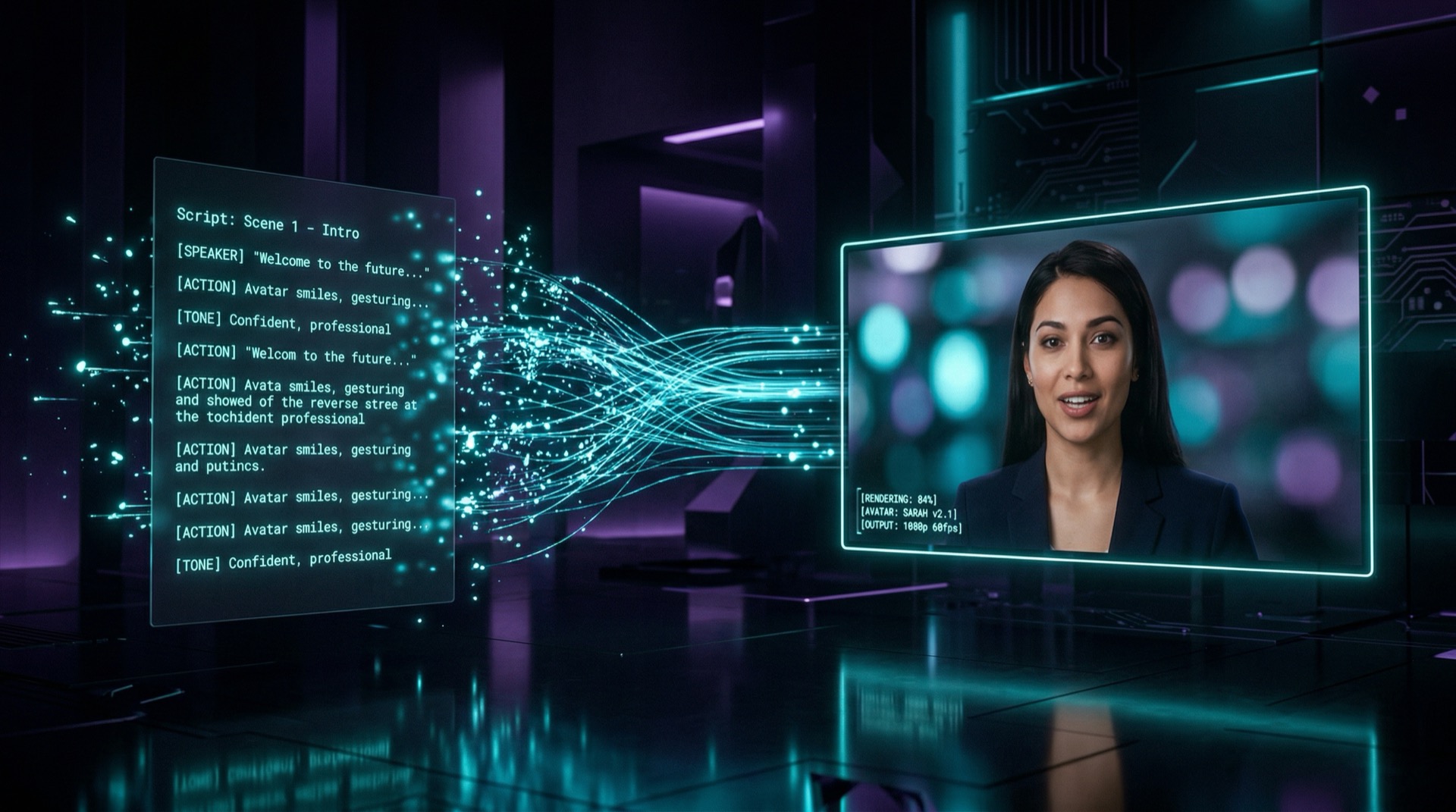
Paste your script, pick an avatar and voice, choose a format. You get a rendered video in under 60 seconds. Captions are generated automatically, chapter markers are added, and you get smart b-roll suggestions too. If you need volume, batch processing handles that.
- 60-second rendering
- Auto captions and chapters
- Smart b-roll suggestions
- Batch processing
Style transfer engine
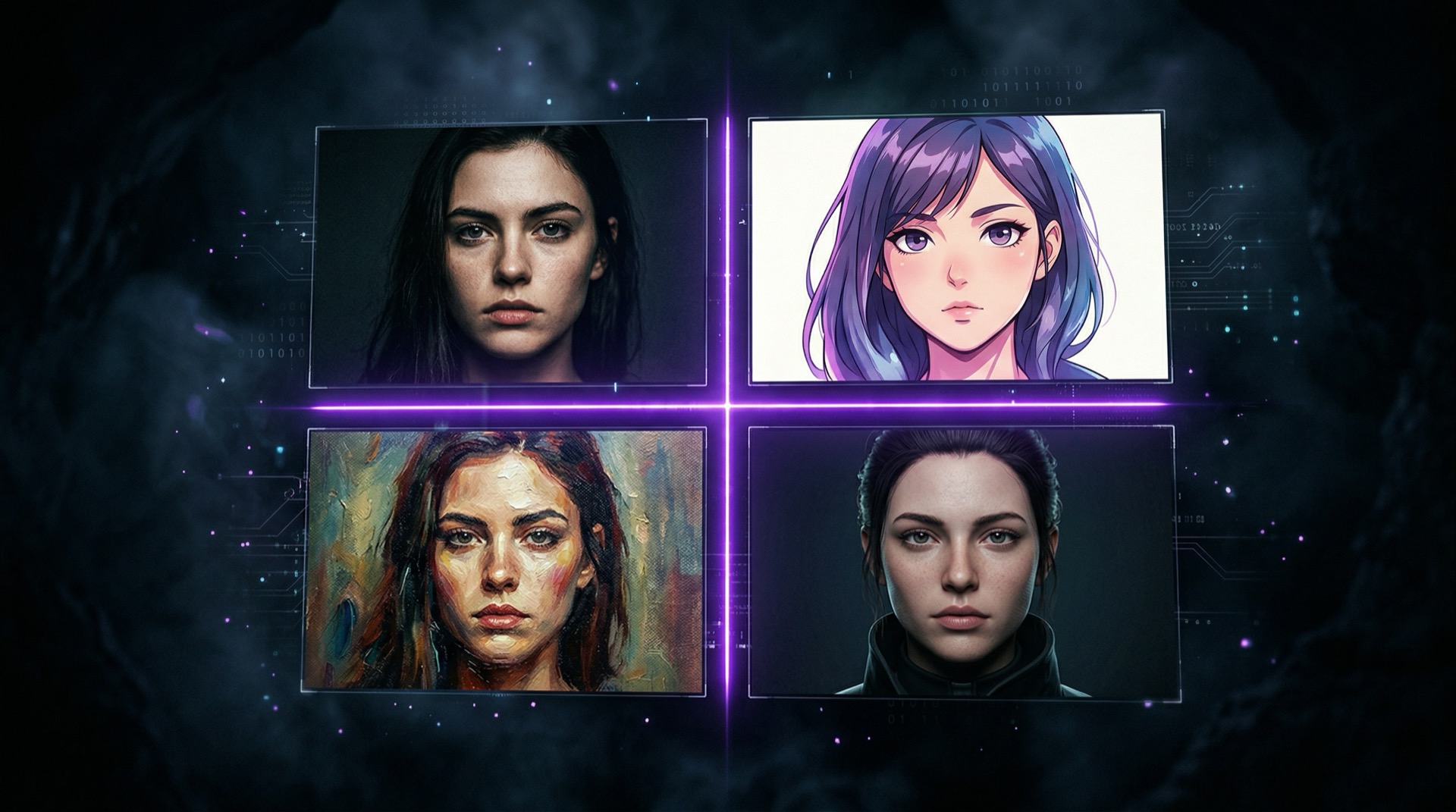
Feed any reference image and Polymorf morphs your avatar into that visual style while keeping lip-sync and expressions intact. Anime, 3D renders, oil paintings, pixel art. If you have made something in Midjourney, it can talk now.
- Any reference image
- Preserved lip-sync
- Anime, 3D, paintings, pixel art
- Midjourney-compatible
Multi-scene director
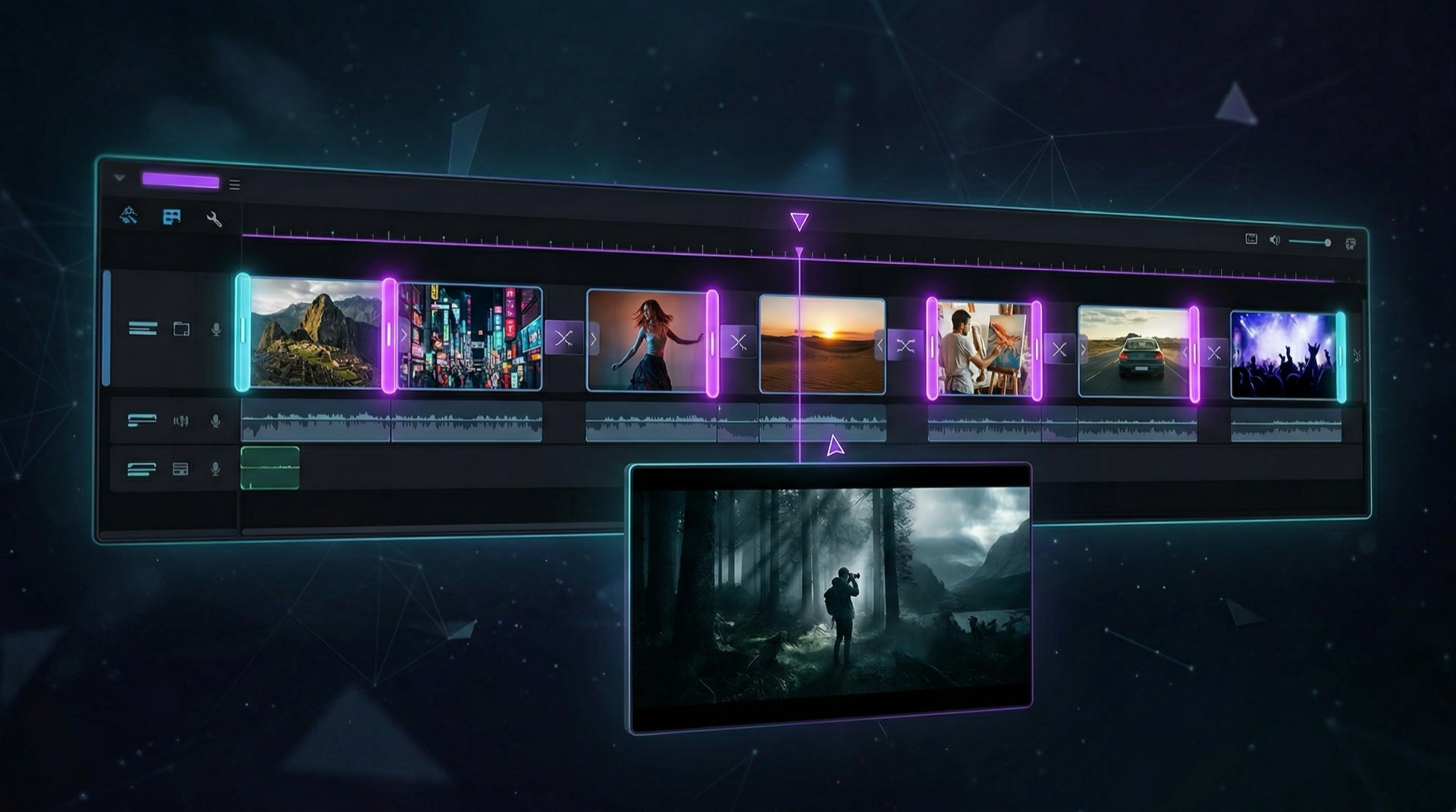
Build multi-scene videos with different backgrounds, camera angles, and transitions. The timeline editor is drag-and-drop. You can import your own backgrounds or pull from our library of 500+ environments.
- Multi-scene timeline
- Drag-and-drop editor
- 500+ environments
- Custom background import
Built for volume
The same performance whether you render one video or a thousand. Here are the numbers.
Ready to create your first avatar video?
Start for free. No credit card required.