What Is UGC Video? A Creator's Guide to the Format
Summary
What is UGC video? It is a short, casual clip of a real person using or discussing a product, published outside the brand's studio pipeline. It comes in three forms: organic customer clips, commissioned creator clips and synthetic avatar clips. The format works because handheld context signals proof of use. A strong clip runs 15 to 40 seconds: hook, problem, demo, one action. AI versions are fast and multilingual, but must be labelled honestly.
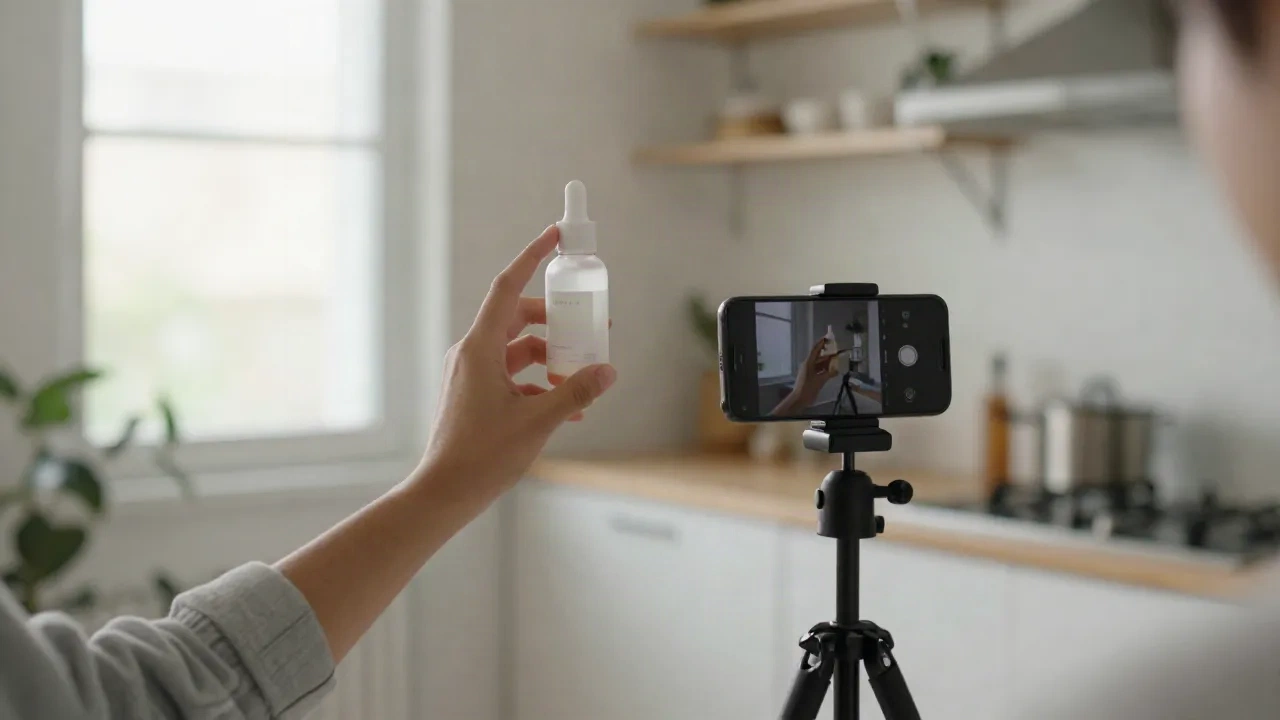
What is UGC video? It is a short, filmed clip of a real person talking about or using a product, shot in a casual style and published by someone other than the brand's ad agency. A customer unboxing, a creator reacting to a serum, a founder's phone-in-hand demo: all UGC video. The label describes the look and the source, not the budget.
That distinction matters more in 2026 than it did two years ago, because AI avatars now sit on the same feed. Here is what the format actually is, why it converts, and where a script-driven avatar workflow fits.
What counts as UGC video, and what does not
UGC stands for user-generated content. The classic version is unpaid: a customer posts a clip, the brand asks permission to reuse it. JoinBrands defines a UGC video as any video created by a real customer, fan or independent creator rather than the brand itself. That definition is the clean one.
In practice the term has stretched. Brands now pay creators to film "UGC-style" clips that are never posted on the creator's own account. The brand owns the file, runs it as an ad, and the creator is a contractor.
So you have three buckets:
Organic UGC: a real customer posts, you ask for rights.
Commissioned UGC: a creator films to your brief, you run it as paid media.
Synthetic UGC: an avatar or generated actor delivers a script in the same visual language.
Where it holds, where it breaks: organic is the most trusted and the least controllable. Commissioned is controllable and slower. Synthetic is the fastest and the one that needs honest labelling. We come back to that.
What does not count: a studio spot with a lav mic and a three-point light kit, even if an actual customer stars in it. If the framing says "production", viewers read it as an ad within half a second.
Why a shaky kitchen clip beats a polished spot
Polished creative signals "someone paid to say this". A handheld clip with a messy counter signals "this person has the product in their house". Viewers use that signal as a shortcut for trust.
The numbers back the instinct. Yotpo's 2026 strategy guide reports that shoppers who engage with reviews and UGC convert at a rate 161% higher than those who do not. Treat that as a directional figure from a vendor with a stake in the answer, not a promise. The direction is consistent across the sources we checked.
Three things make the format work:
Proof of use. The product is in a hand, in a room, doing the thing.
Spoken language. A real person says "it dried in ten minutes" instead of "rapid-dry formula".
Imperfection as a feature. Slight shake, natural light, a pause. These are trust cues, not defects.
Skip it if your product needs a long explanation before the first benefit lands. UGC video earns attention in the first two seconds. A complicated B2B workflow is better served by a screen recording with a voiceover.
The anatomy of a UGC video that holds attention
A strong clip runs 15 to 40 seconds and follows a structure that barely changes from one niche to the next.
The hook (0 to 3 seconds). A claim, a question or a visual oddity. "I stopped buying three products after this one." Not a logo, not a greeting.
The problem (3 to 10 seconds). One concrete frustration, named in plain words.
The demo (10 to 30 seconds). The product in use. Show the result, then show it again from another angle if you can.
The ask (last 3 seconds). One action. Link in bio, code at checkout, tap to shop.
Writing the script is the real work. The camera is the easy part. A script that reads like a spoken sentence, with short lines and a breath between ideas, outperforms a script that reads like an ad.
Where it holds: single-product direct-response ads, apps with a visible before and after, beauty, food, home goods. Where it breaks: regulated products, anything that needs a disclaimer longer than the claim, and products that are hard to show in a hand.
Real creators, AI actors, avatars: three ways to produce it
This is where the format forks. All three outputs can look like UGC. They differ in cost, speed and risk.
Hire creators
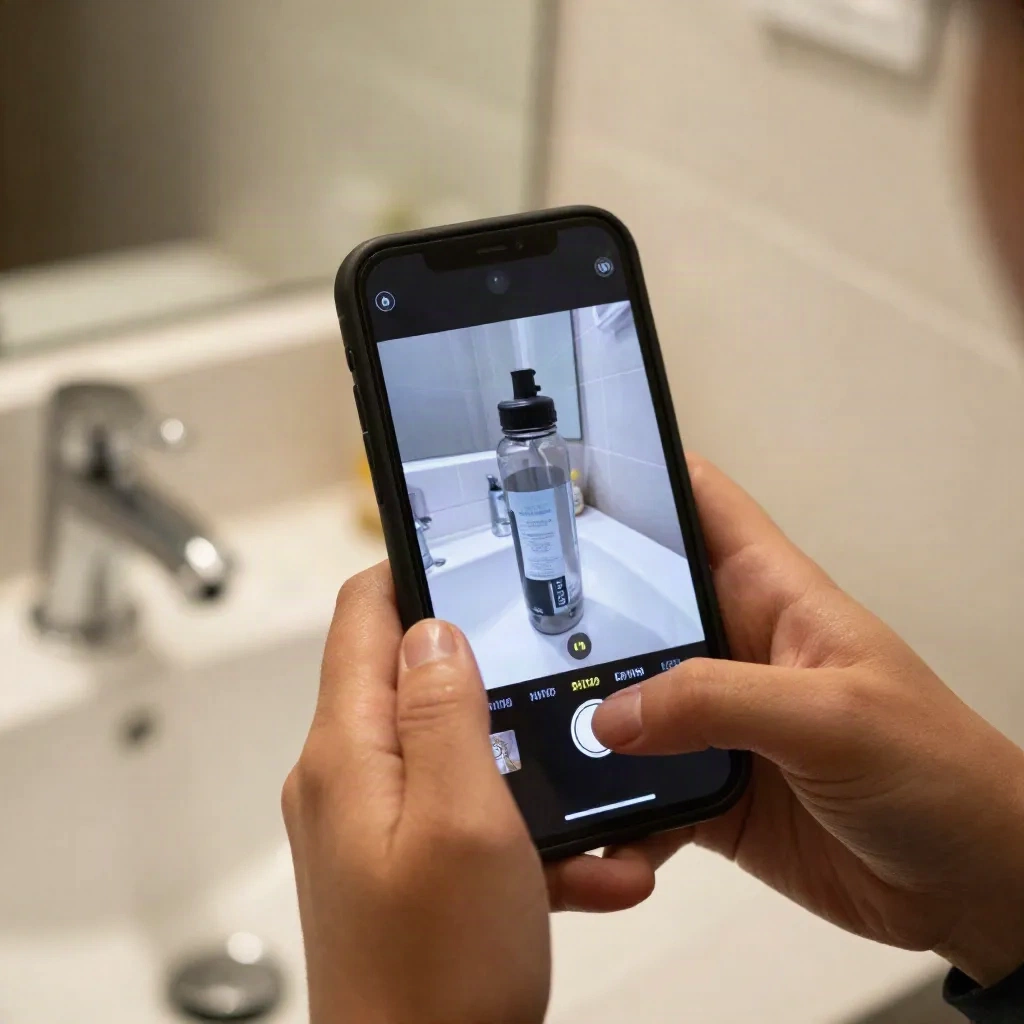
A brief goes out, product ships, clips come back in days or weeks. You get genuine hands, real kitchens and unpredictable delivery. Revisions cost time. Variation testing is limited by how many creators you can pay.
Generate AI actors
Tools built for ad teams let you describe a spokesperson and get a photoreal actor who delivers your script.
Arcads is the reference point here: you write the script, pick an actor, and get a talking-head ad without casting or shipping. Pricing sits at the agency-replacement end of the market, not the hobbyist end.
Use a script-driven avatar
An avatar tool takes a script and a face, then renders the performance with lip-sync in the language you need. HeyGen is the incumbent most teams compare against.
The trade-off is plain. Avatars give you speed and language coverage. They do not give you a real product in a real hand. For that, you still need footage or a generated B-roll layer.
What a hybrid workflow looks like in practice
Most teams that ship UGC-style video at volume do not pick one bucket. They mix.
A workable split looks like this. Real footage for the hero product shots, filmed once on a phone. A script written in spoken language. An avatar or actor for the talking segments. Captions and cuts assembled in an editor.
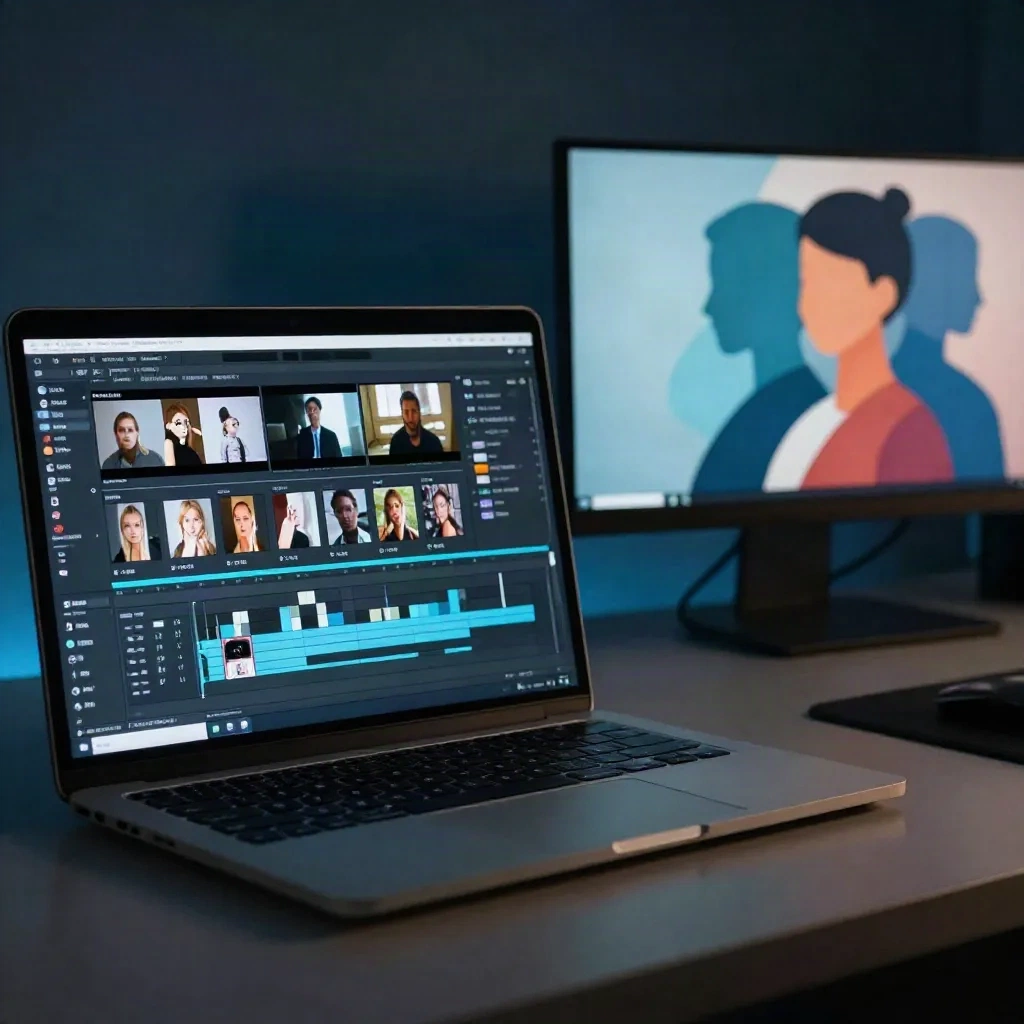
The editing layer matters more than people expect. Captions, jump cuts and a native-feeling aspect ratio are most of what makes a clip read as UGC rather than as a presentation.
CapCut covers that last step for most solo creators: auto-captions, templates, vertical export. If your script lives in several languages, add a voice layer.
ElevenLabs is the usual pick for voice when you need the same line in a different language without re-recording. That is the multilingual lever. One script, several languages, same face. It is also where a selfie-to-video workflow such as Polymorf's fits: you start from a script and a face, and the avatar renders it in the target language. Production scale, no studio.
Is AI UGC honest? The disclosure question
This is the part vendors skip. A synthetic actor delivering a "customer testimonial" is not UGC in the original sense. It is an ad that looks like UGC. Calling it a customer review is a different problem entirely: that is a fake endorsement, and it is a legal and platform risk in most markets.
The safe line is simple. Use avatars for scripted brand messaging, explainers, tutorials and demos where you say the claim is yours. Do not fabricate a customer who never existed saying they bought and loved the product.
Survey data from a secondary compilation suggests that most consumers want AI content labelled, and a meaningful share say they would trust a brand less after finding undisclosed AI content. The exact percentages vary by source, so we do not lean on them. The pattern is stable: label it, and the downside shrinks.
Platform rules are tightening too. TikTok and Meta both ask for disclosure on realistic synthetic media. Check the current policy before you run paid.
Five mistakes that make UGC video look like an ad
Most failed UGC clips fail for the same reasons. None of them are about budget.
Over-lighting the scene. Three softboxes and a clean backdrop remove the one thing the format sells, which is context. Natural window light and a lived-in room do more work than any rig.
Opening with the brand. The first second belongs to the viewer's problem, not your logo. Put the name in the caption and the end card.
Reading the script like a script. Spoken delivery has contractions, half-sentences and pauses. Read your draft out loud once before you film or generate. If you stumble, the viewer will feel it.
Cramming three offers into one clip. One clip, one claim, one action. Run a second clip for the second claim.
Ignoring the mute viewer. A large share of feed video plays without sound, so captions are part of the creative. Burn them in, keep them short, and check that the hook still lands with the sound off.
Fix these five and the weakest clip in your batch usually improves more than a new actor or a new camera would improve it.
What we'd actually do with a first budget
If you have never run UGC video, start small and learn from the data.
Film one real clip yourself on a phone. Five takes, one winner.
Write three hook variants for the same demo.
Produce one avatar version in a second language and compare retention.
Keep the winner, kill the rest.
Creatify sits in the middle of this stack for teams that want link-to-video ads fast. Test it against your own hooks before you commit to any monthly plan.
The format is not complicated. The discipline is. One idea per clip, spoken language, honest labelling, and a testing loop that ends in a decision. The next time you have a script ready, run it through two versions side by side before you decide which production route is worth scaling.