What Is UGC? Types, Rights and the AI Shortcut for Video
Summary
What is UGC? User-generated content is any video, photo, review or post made by real people rather than the brand it features. It comes as organic UGC, paid UGC, reviews and employee content. Brands use it as social proof and as a cheap source of ad creative. Creators keep copyright unless they grant written permission. AI UGC adds synthetic presenters, which work for explainers and localization but need clear labeling and never real-customer claims.
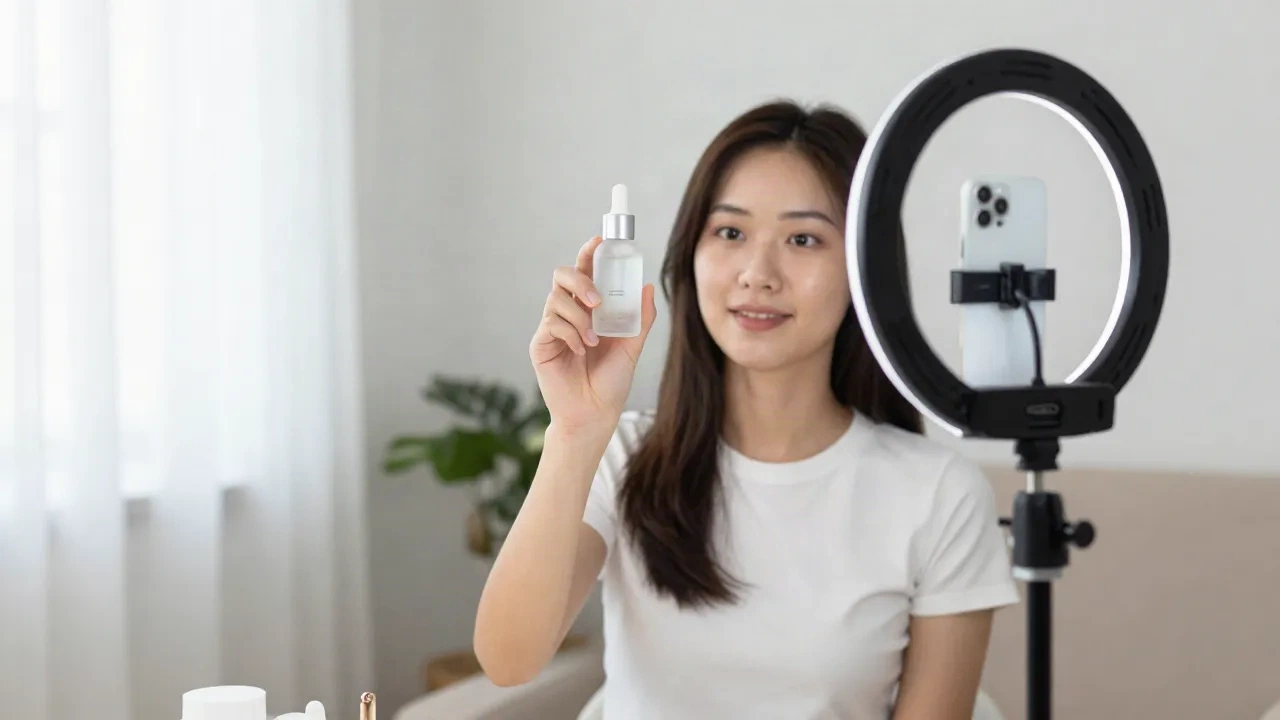
What is UGC? User-generated content is any video, photo, review or post made by a real person instead of the brand it talks about. In 2026 the term covers two things: organic UGC that customers post unprompted, and paid UGC, where a brand commissions a creator to shoot something that looks like a customer video. A third branch is now growing fast: AI UGC, where a synthetic presenter plays the part of the creator.
This guide explains each type, who owns what, where the rules bite, and when an avatar is a smart production choice.
What does UGC actually mean?
UGC stands for user-generated content. The core idea is simple: the person who made it is not on the brand's payroll, and the production does not look like a studio shoot.
A customer unboxing on TikTok is UGC. A five-star review with a photo is UGC. A forum thread where someone explains how they use a product is UGC. Hootsuite's guide frames it as original, brand-specific content created by real customers and fans, and that definition holds up.
Notice what is missing from the definition: budget, polish and follower count. UGC is defined by who made it and why, not by how it looks. That detail matters later, because the look is exactly what brands now try to copy.
The 4 types of UGC you will actually meet
Most explainers list a dozen formats. In practice, four buckets cover the work that matters for a creator or a marketing team.
Organic UGC. Customers post on their own. Unpaid, unprompted, uncontrolled.
Paid UGC. A brand hires a creator to produce clips for the brand's own channels and ads. The brand typically owns usage rights and the creator does not post to their own audience.
Reviews and ratings. Text, stars and photos on product pages and marketplaces.
Employee-generated content. Staff filming the factory floor, the packing table or the support desk.
Paid UGC is the one that confuses people. It is not organic, since money changed hands, and it is not influencer marketing either. Hootsuite draws the line clearly: UGC creators make content for the brand's channels, while influencers publish to their own audiences.

Why do brands keep paying for it?
Because it works as proof. A polished brand video says "trust us". A rough vertical clip from someone holding the product says "this person bought it".
The best-known number comes from the Spiegel Research Center at Northwestern: a product with five reviews is 270% more likely to sell than one with zero. The effect flattens as reviews pile up, so the first few matter most. That is the strongest argument for chasing UGC early in a product's life.
Cost is the second driver. A studio shoot needs a crew, a location and a week. A paid UGC clip needs a creator, a brief and a few days. For small teams running ads on TikTok and Reels, that gap decides whether they test five creatives or fifty.
The third driver is volume. Ad platforms burn through creative fast. Performance teams want a stream of fresh hooks, and a stream means dozens of clips per month, not a handful.
Who owns UGC, and what do you owe the creator?
This is the section most SERP articles skim, and it is where teams get burned.
Ownership first. The creator generally holds the copyright. Tagging your brand or using your hashtag does not transfer anything. If you want to run someone's clip as an ad, you need written permission that names the channels, the formats and the time period. A DM saying "love it, go ahead" is thin protection for paid media.
Then the extras that people forget:
Music. A track licensed for organic posting is often not licensed for paid ads.
Likeness. Recognizable people need a release. Minors need parental consent.
Disclosure. Any payment, free product or other material connection must be disclosed to viewers.
None of this is legal advice, and the details change by country. The habit worth building is one documented permission step before any asset goes live. Skip that, and your best-performing ad becomes your biggest takedown risk.
Where does AI UGC fit in?
AI UGC is a synthetic presenter delivering a script in the style of a customer video: handheld framing, casual setting, direct address to camera. The avatar delivers the script, the brand skips casting, and the clip is ready in minutes instead of days.
I run a faceless channel and build training libraries, so I care about this from the production side. Here is the honest split.
Where it holds. Product explainers, feature walkthroughs, localized variants of one winning ad, and high-volume hook testing. When you need the same message in six languages, a script and an avatar beat six shoots every time.
Where it breaks. Anything that claims lived experience. An avatar saying "I used this for three months and my skin cleared up" is not UGC. It is a fabricated testimonial. That is the line regulators and platforms are watching.
The tools people actually use
The category splits in two. Some tools are built specifically for UGC-style ads, others are general avatar platforms that you bend toward the format.
Arcads sits at the purpose-built end. You describe an actor, the tool renders them, and you reuse that actor across scripts. Plans start around $99 a month with no permanent free tier, so it suits teams already spending on ads.
Creatify starts from a product URL and builds the ad around it, with a free watermarked tier and paid plans from $39 a month. Skip it if you want full control of every frame. Pick it if speed from link to draft is the goal.
HeyGen is the general-purpose option. Its strength is language coverage and lip-synced translation, which makes it a good fit for localizing a clip that already works. The watch-out: it is not designed around scrappy UGC aesthetics, so you do the styling work yourself.
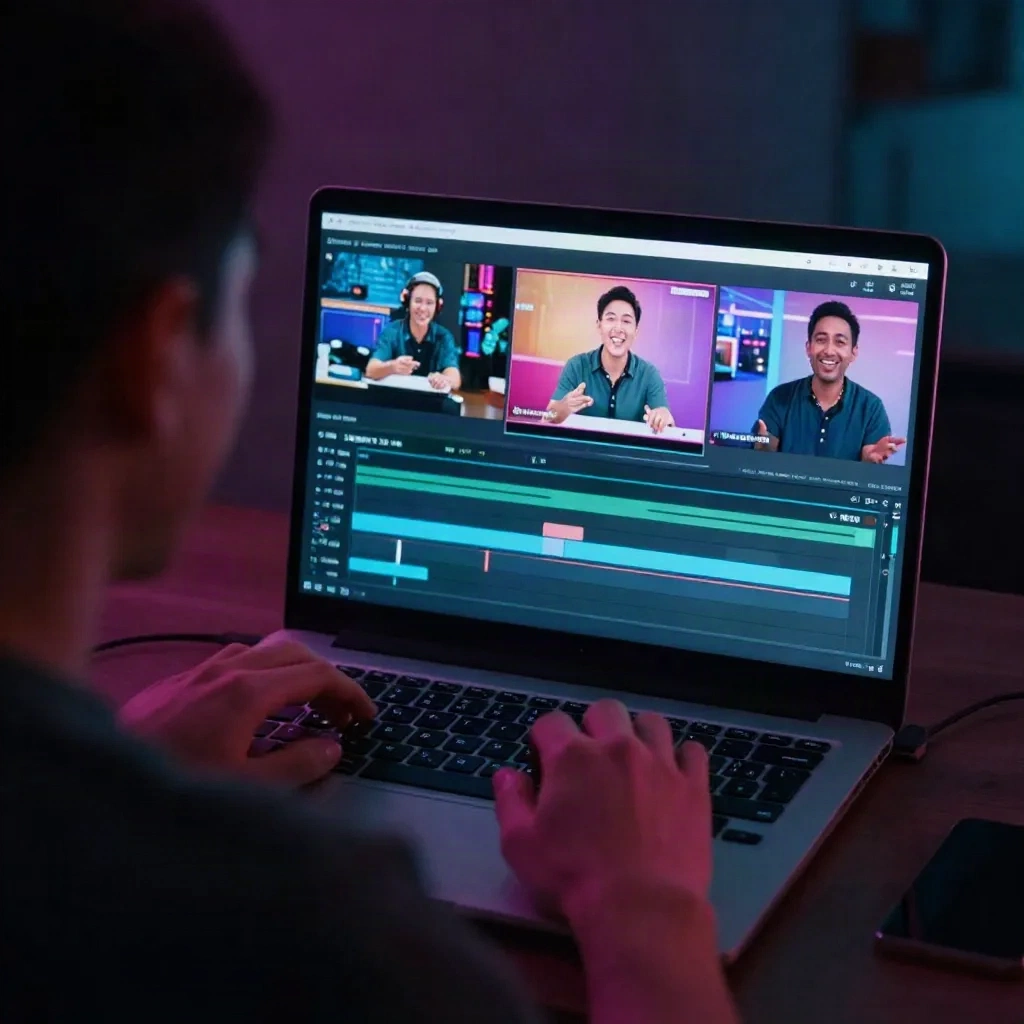
CapCut is the finishing layer for almost everyone, human or synthetic. Auto-captions, cuts and templates are where a flat clip becomes something that fits the feed.
What do the rules say about disclosing AI presenters?
The consistent advice across current guides is two separate labels. One for the paid relationship, one for the fact that the presenter is synthetic. A "#ad" tag does not cover the AI part, and an "AI-generated" tag does not cover the sponsorship.
Placement matters too. Guidance favors a visible label inside the video itself, not only a hashtag in the caption. Meta and TikTok both ask for labeling of realistic synthetic content.
Most of what is published on this topic comes from vendor blogs, not primary legal texts. Check the FTC's Endorsement Guides and your local rules before you ship a campaign. The EU AI Act also adds transparency duties for synthetic media, so a team publishing in Europe should read it in full.
The safe pattern is simple. Use an avatar as a spokesperson or presenter, say so on screen, and never script it as a real customer.
What separates UGC that works from UGC that flops?
Good UGC has three traits. It opens on a concrete problem or a visible product in the first two seconds. It sounds spoken, with the small imperfections of a real person talking. And it makes one claim, not five.
Take a skincare serum. The weak version lists ingredients over stock footage. The strong version shows a hand holding the bottle at the bathroom mirror and says one thing: what changed in the morning routine. Same product, same budget, very different watch time.
The same logic applies to software. A SaaS UGC clip is a screen recording with a voice that says "I was stuck on this task, here is the click that fixed it". No logo sting, no music bed, no slogan.
Briefs decide most of the outcome. Give a creator the hook, the single claim, the forbidden phrases and the length. Leave the delivery to them. Over-scripted UGC reads as an ad within a second, and viewers swipe.
Three mistakes come back in almost every audit I run on a content calendar.
Treating UGC as free media. Organic content still needs permission, and paid content still needs a brief. Teams that skip both end up with a folder of unusable clips.
Chasing polish. A creator who relights, re-shoots and color-grades a clip into a commercial has defeated the point. The rough edges are the signal. Keep them.
Measuring the wrong thing. Views flatter you. Track hook retention at three seconds, cost per clip and the share of clips that become usable ads. Those three numbers tell you whether the format is paying for itself.
How do you produce UGC-style video without a studio?
Here is the workflow I use when a project needs volume. It works for human creators and for avatars, with one swap at step 3.
Write the hook first. The first two seconds decide everything. Draft five hooks before you write the body.
Keep the script spoken. Short sentences, one idea each. Read it aloud and cut anything you would not say to a friend.
Pick the presenter. A real creator, or an avatar if the claim is informational and not experiential.
Shoot or render vertical. 9:16 from the start. Cropping later costs framing.
Caption and cut. Add burned-in captions, tighten pauses, vary shot length.
Document permission. Scope, channels, duration, disclosure. One record per asset.

Where it holds: a SaaS feature explainer, a localized product demo, a training clip. Where it jams: a testimonial, a before-and-after claim, anything a viewer would reasonably read as a real purchase. Production scale. Pas de studio. But also no shortcuts on honesty.
Should you commission creators or build with avatars?
Not either-or. The teams getting results mix both.
Commission real creators when the content depends on lived use: reviews, transformations, reactions. Those clips carry the social proof that justifies the format in the first place. Budget for a handful of strong ones and cut them into many variants.
Use avatars for everything around that core: explainers, translations, feature updates, onboarding. That is where throughput matters more than authenticity, and where a synthetic presenter, clearly labeled, does the job.
The next time you have a script ready, run it both ways on a small budget. Compare watch time and cost per clip before you commit to a stack.