Prompts texte vers vidéo : squelettes et exemples prêts
Résumé
Les exemples de prompts texte vers vidéo qui fonctionnent reposent sur un squelette simple : mouvement de caméra, scène, une seule action, puis lumière et ambiance. Gardez chaque clip entre 5 et 10 secondes, décrivez ce que vous voulez voir plutôt que ce qu'il faut éviter, et changez un seul élément à chaque itération. Ce guide propose des prompts prêts à copier pour les accrocheurs, les plans produit, le B-roll et les clips parlés, plus les erreurs à abandonner.
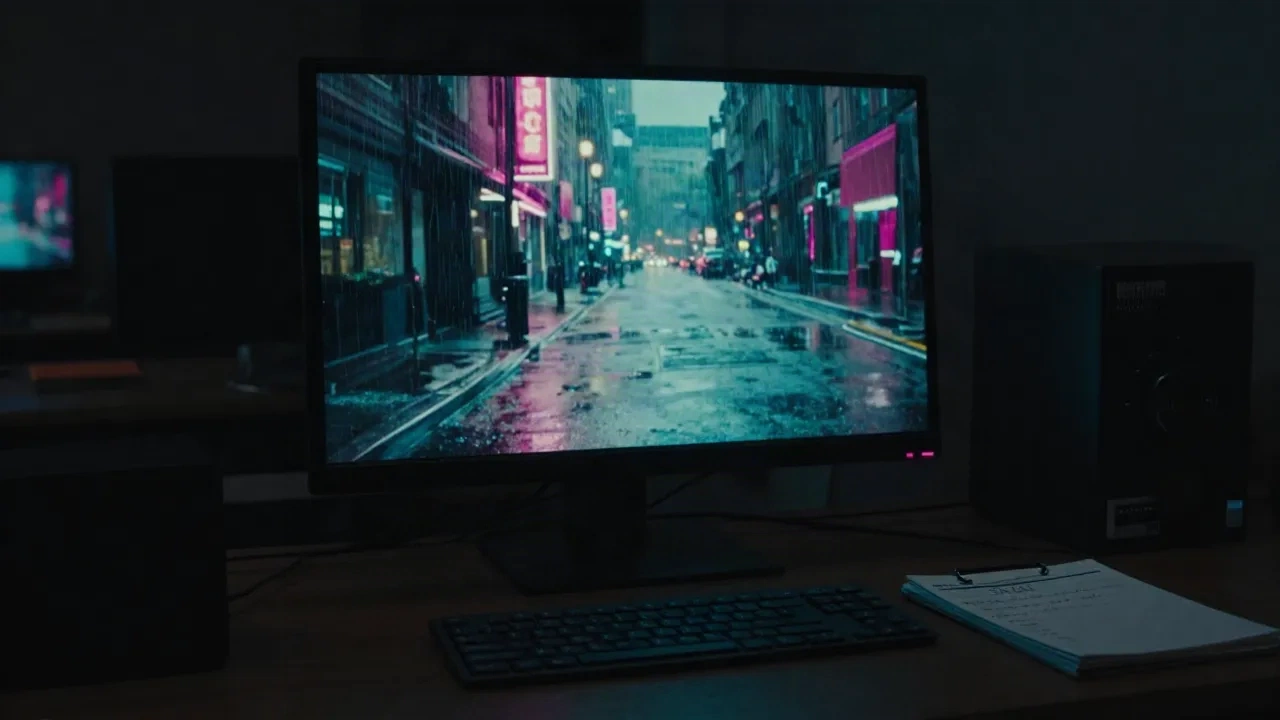
Ces exemples de prompts texte vers vidéo sont bâtis pour être copiés, puis adaptés à votre propre plan. Chacun suit le même squelette : mouvement de caméra, scène, une seule action, quelques détails. Tenez-vous à une seule action qui tient en 5 à 10 secondes, décrivez ce que vous voulez voir plutôt que ce qu'il faut éviter, et changez un seul élément à chaque relance. Les exemples ci-dessous couvrent les accrocheurs, les plans produit, le B-roll, les intros parlées et les séquences de formation.
Pourquoi la plupart des prompts texte vers vidéo rendent-ils du mush ?
Parce qu'ils lisent comme un mood board. « Épique, cinématographique, 8K, ultra détaillé » ne dit rien au modèle qu'il peut bouger. Un modèle vidéo a besoin de physique : qui fait quoi, où, avec quel comportement de caméra.
Le guide de prompting de Runway le résume en quatre éléments : mouvement de caméra, scène, action, détails, avec une seule action par clip. Le guide de Kling aboutit aux mêmes ingrédients : sujet, action, décor, langage caméra, lumière et ambiance.
Deux habitudes tuent les plans. Empiler cinq actions dans un seul prompt, et écrire « puis » comme si le modèle avait une timeline. Il n'en a pas. Chaque génération est un seul battement.
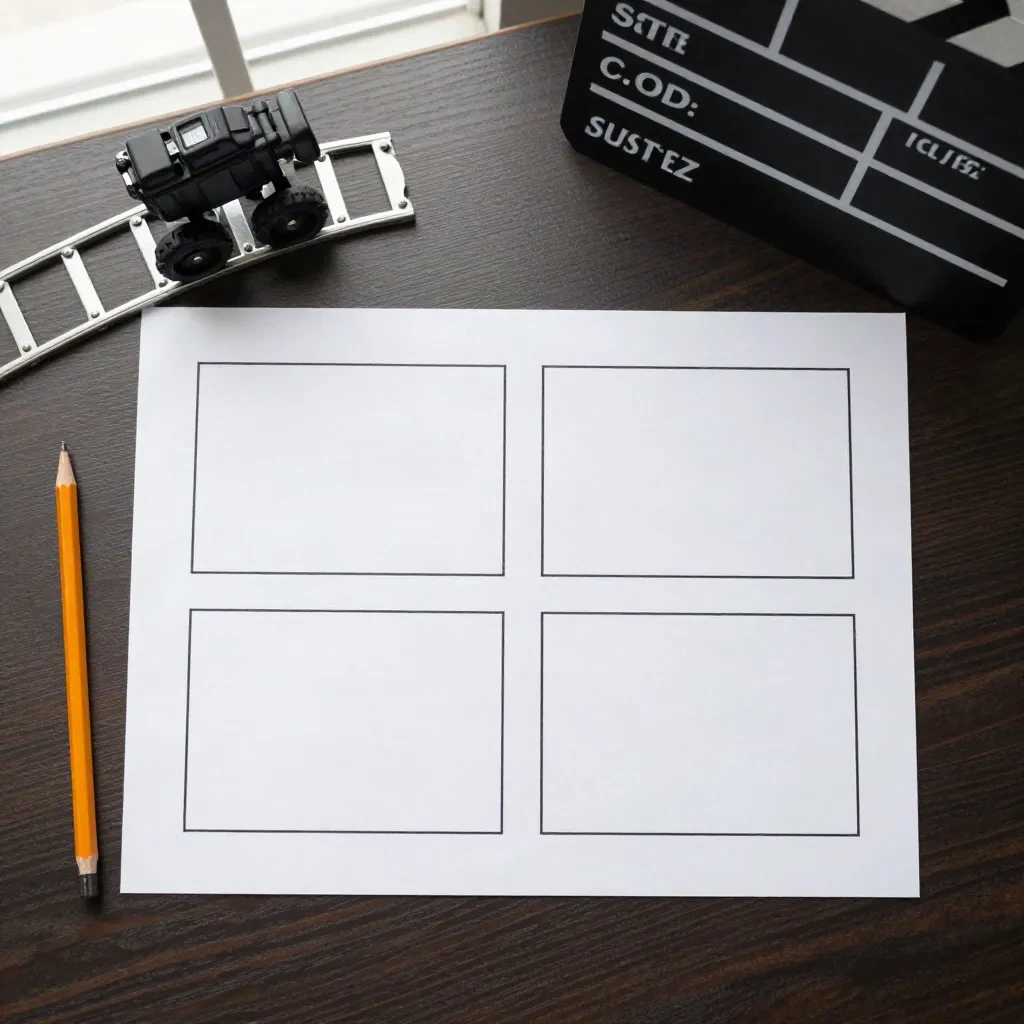
Quel est le squelette de prompt qui fonctionne sur tous les modèles ?
Utilisez cet ordre et arrêtez d'ajouter des mots une fois que le plan est clair :
[Plan et mouvement caméra]. [Scène et décor]. [Sujet réalisant une action]. [Lumière, optique, ambiance].
Voici la même idée trois fois, du faible à l'utilisable.
Faible : « Une belle vidéo cinématographique d'une femme dans un café. »
Meilleur : « Une jeune femme lève un café crème à ses lèvres dans un café ensoleillé. »
Prêt à tourner : « Dolly avant lent du plan moyen au gros plan. Café de coin ensoleillé, vapeur s'échappant d'une tasse en céramique. Une jeune femme en pull-over crème lève la tasse et sourit légèrement. Profondeur de champ faible, lumière dorée du matin douce, teintes chaudes étouffées. »
La troisième version nomme la caméra, l'action et la lumière. Rien en elle ne demande au modèle de deviner un sentiment. L'échelle de production commence ici : un prompt que vous pouvez réutiliser est un prompt avec des emplacements.
Quels exemples de prompts marchent pour les accrocheurs et les clips style pub ?
Court, spectaculaire, une idée. Le cadrage vertical se met dans le prompt, pas dans vos espoirs. Ceux-ci sont écrits pour le 9:16 et 5 à 8 secondes.
Panoramique rapide vers un bureau encombré à minuit. L'écran d'un ordinateur portable brille, papiers éparpillés, un café froid. Une main claque l'ordinateur portable fermé, puis le cadre se fige. Handheld, lumière dure d'en haut, 9:16 vertical.
Plan macro fixe. Une seule goutte d'encre tombe dans de l'eau claire et s'épanouit en spirale. Ralenti, fond noir, éclairage studio, mise au point nette sur l'épanouissement.
Plan de suivi en contre-plongée à côté des chaussures d'un coureur frappant le trottoir mouillé à l'aube. Brume au-dessus de la cheville, réverbères s'estompant. Mouvement lisse et stabilisé, lumière bleue cool.
Deux autres pour les créateurs qui publient sur un calendrier, tous deux pour les chaînes sans visage :
Dolly avant lent dans une allée de bibliothèque faiblement éclairée. La poussière flotte dans un seul rayon de lumière d'une fenêtre haute. Un livre en cuir glisse d'une étagère et atterrit ouvert sur une table de lecture. Teintes tungstène chaudes, 16:9.
Grue montante lisse depuis un ordinateur portable sur un bureau pour révéler un horizon urbain à l'heure bleue à travers une large fenêtre. Une tasse est assise à côté du clavier, l'écran reflète une lumière douce. Calme, régulier, ambiance documentaire.
Le modèle : un verbe que le modèle peut rendre, une texture qu'il peut tenir (trottoir mouillé, encre, verre), et un comportement caméra qui ne combat pas le sujet. Ignorez le texte à l'écran. Le texte à l'intérieur de la vidéo générée s'estompe et se brouille encore dans la plupart des modèles, ajoutez donc les légendes dans votre monteur.
Comment rédiger des prompts pour les plans produit et le B-roll ?
Le travail produit récompense la retenue. Le modèle garde bien la forme et la lumière quand peu d'autres choses bougent.
Dolly avant lent sur une tasse en céramique tandis que la vapeur s'élève, matin calme à la cuisine, profondeur de champ faible, lumière douce de la fenêtre de la gauche.
Plan plongeant, une paire de mains déballe un haut-parleur noir mat sur une table en chêne pâle. Le couvercle se soulève, le papier de soie s'installe. Teintes neutres, lumière diffuse, pas de tremolo caméra.
Plan d'orbite autour d'une bouteille de parfum sur un piédestal en velours. La lumière brille le long du bord du verre. Rotation lente et régulière, fond sombre, léger reflet sur la surface.
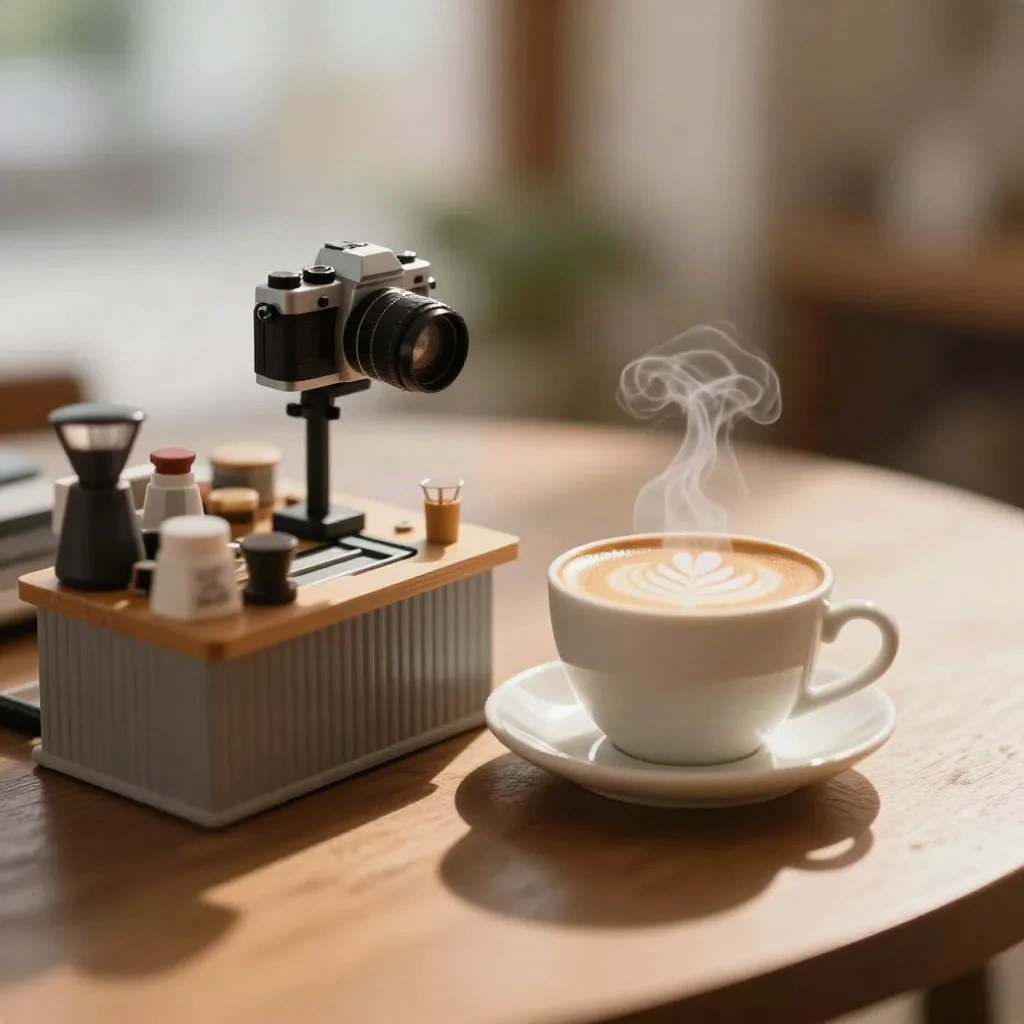
Pour le B-roll, pensez en plan établissant, détail et plan d'insertion. Un prompt par type :
Plan établissant : « Large plan de drone montant au-dessus d'une ville côtière à l'heure dorée, bateaux dans le port. »
Détail : « Gros plan extrême des doigts tapant sur un clavier rétroéclairé, mise au point faible. »
Plan d'insertion : « Plan moyen d'un cycliste traversant une place vide, caméra fixe, longues ombres. »
Générez trois de chaque et vous avez une séquence, pas un plan chanceux. C'est aussi comme ça que vous construisez une bibliothèque : étiquetez les gagnants par type de plan et réutilisez le squelette.
Comment rédiger des prompts pour la formation et les clips explicatifs ?
Le travail L&D et explicatif, c'est surtout l'illustration : un processus, un endroit, un avant et un après. Le travail du prompt est de montrer une idée par clip pour que la voix-off fasse le reste.
Plan moyen statique d'un agent d'entrepôt scannant une boîte avec un scanner portatif, puis la plaçant sur une étagère. Éclairage industriel brillant et régulier, sol propre, aucun autre mouvement dans le cadre.
Plan plongeant de mains arrangeant des Post-it en trois colonnes sur un tableau blanc. Les notes sont vierges, couleurs jaune, bleu et rose. Caméra régulière, lumière naturelle douce, ombres légères.
Panoramique lent dans un bureau en open-space bien rangé à 9 h, bureaux à moitié occupés, moniteurs affichant des tableaux de bord génériques. Lumière naturelle, palette neutre, allure calme.
Notez ce qui manque : logos, écrans lisibles, panneaux, noms. N'importe quoi que le spectateur doit lire devrait être ajouté en post-production, où vous contrôlez l'orthographe. Pour une série de 40 modules, c'est l'habitude la moins chère à adopter. Écrivez chaque prompt comme une fiche de scène réutilisable, étiquetez-la avec le module qu'elle sert, et vous ne régénérerez jamais deux fois un plan « bureau » générique.
Que change-t-il quand vous rédigez des prompts pour les gens qui parlent ?
Les exemples de prompts texte vers vidéo qui incluent le dialogue sont là où les résultats se divisent par modèle. Certains modèles actuels génèrent de l'audio synchronisé et du mouvement des lèvres ; d'autres vous donnent un clip silencieux et un visage qui s'éloigne après quelques secondes.
Si votre modèle supporte la parole, soyez littéral et court :
Gros plan moyen, caméra fixe. Une femme à une table de cuisine se tourne vers la lentille et dit : « Trois prompts, dix minutes, un clip fini. » Lumière naturelle de la fenêtre, mise au point faible. Pas de sous-titres.
Cas où ça tient : un seul locuteur, une seule ligne, un seul endroit, moins de 10 secondes. Cas où ça coince : longs monologues, deux locuteurs se répondant, noms et marques, n'importe quoi où le même visage doit survivre à cinq générations séparées.
Ce dernier compte plus qu'il ne le paraît. La cohérence dans les clips est la vraie taxe de la vidéo texte. Si votre série a besoin du même présentateur pour 40 modules, un prompt n'est pas le bon outil pour le visage. Générez les scènes et le B-roll avec texte vers vidéo, puis laissez un pipeline d'avatar porter la parole. Script en, avatar dehors, scènes montées autour.
Quelles erreurs de prompt devrais-je abandonner entièrement ?
Avis d'expert. Ce sont les habitudes qui méritent d'être larguées aujourd'hui.
Prompts négatifs. Les conseils de Runway consistent à utiliser une formulation positive ; « pas de tremolo caméra » tend à mettre du tremolo dans le cadre. Écrivez « mouvement caméra lisse et régulier. »
Incantations de qualité. « Chef-d'œuvre, 8K, lauréat » ajoute des tokens, pas de contrôle.
Sentiments abstraits. « Un sentiment de solitude » donne au modèle une énigme. « Un homme assis seul sur un banc, pluie sur son manteau, la caméra recule lentement » lui donne un plan.
Deux mouvements caméra à la fois. Choisissez un mouvement primaire. Dolly avant ou panoramique gauche, pas panoramique, inclinaison et orbite ensemble.
Où ça tient : clips courts, mouvement simple, noms concrets. Où ça s'enroule : foules, mains réalisant des tâches fines, texte lisible, physique exigeante eau et tissu dans le même cadre.
Comment adapter un prompt sur les modèles ?
Le squelette se déplace. Le vocabulaire ne se déplace pas parfaitement. Trois ajustements méritent d'être connus avant de brûler des crédits.
Kling : insistez sur le langage caméra, le scripting multi-plans et les références de sujet. Attention aux prompts trop longs qui enterrent l'action.
Veo : insistez sur le détail de scène et les indices audio ou dialogue. Attention à la parole longue et aux noms de marques.
Runway : insistez sur les prompts de mouvement simple et l'itération à partir d'une image de base. Attention à redécrire ce que l'image d'entrée montre déjà.
Les conseils de Runway sont spécifiques ici : quand vous commencez par une image, décrivez le mouvement, pas l'image. Redécrire le contenu de l'image en détail peut réduire le mouvement. Le guide de Kling, pour sa part, vous pousse à penser en plans plutôt qu'en clips, ce qui est le même instinct que la règle une-action ci-dessus.
Où relancez-vous ces prompts et comment itérez-vous ?
Choisissez le modèle pour le travail, pas le logo. Kling et Veo gèrent le langage caméra et, selon la version, l'audio natif. Runway excelle sur l'itération et les outils de montage. Higgsfield regroupe plusieurs modèles vidéo dans un seul espace de travail, ce qui aide quand vous voulez tester un prompt contre plus d'un moteur sans cinq connexions.
Lancez le même prompt squelette sur deux modèles. Changez un seul élément : le mouvement caméra, la lumière, ou le verbe. Conservez un journal de ce que chaque changement a fait. Après dix lancements, vous avez un style maison, et ce style maison vaut plus que n'importe quelle liste d'exemples, y compris celle-ci.
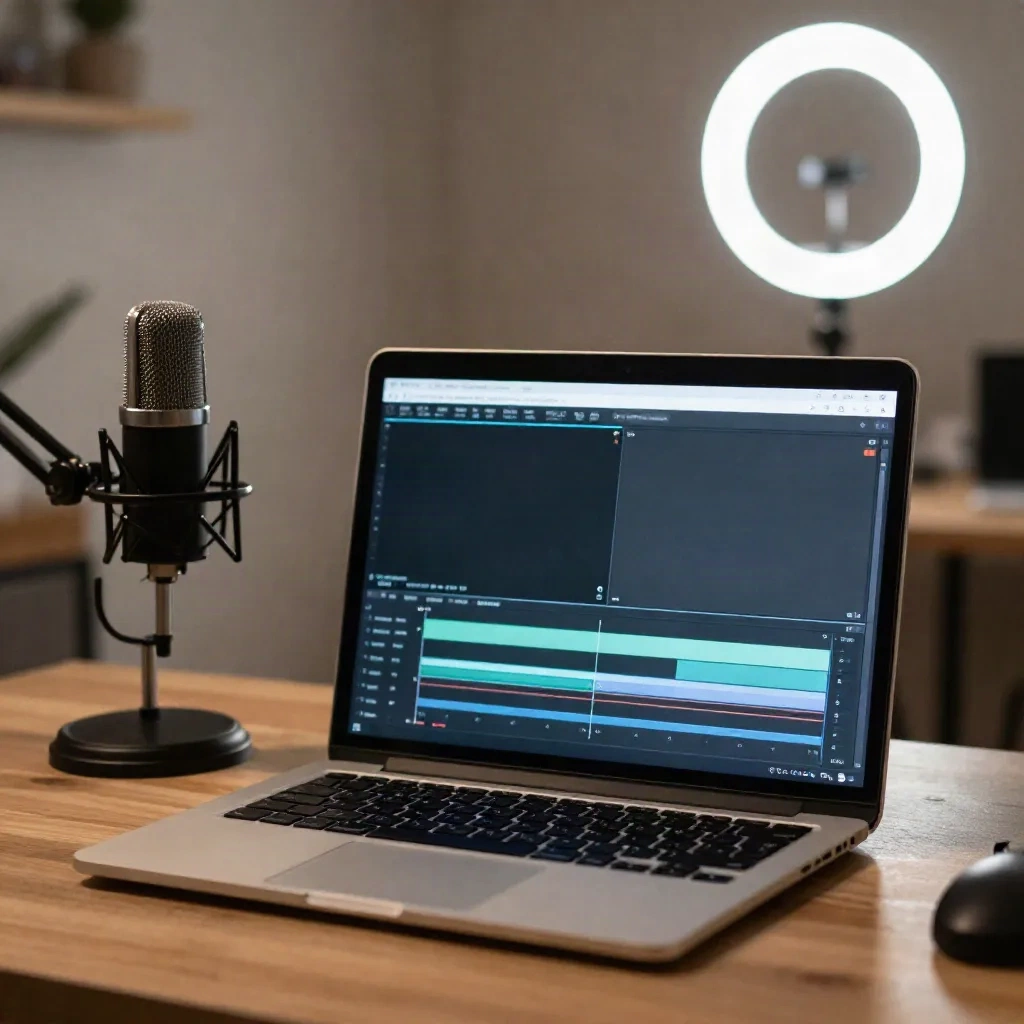
Qu'allez-vous vraiment faire cette semaine avec ces prompts ?
Prechez un script que vous avez déjà. Découpez-le en six battements. Rédigez un prompt par battement en utilisant le squelette : caméra, scène, une action, détails. Générez trois prises chacun, gardez la meilleure, et montez-les à votre voix-off. Si la pièce a besoin d'un visage qui parle, amenez un avatar pour ces battements au lieu de combattre le modèle pour la cohérence.
Vous aurez un rough en une après-midi. Les prompts qui survivent vont dans un doc partagé avec leur type de plan. La prochaine vidéo commence à partir de ce doc, pas d'une boîte vide.